

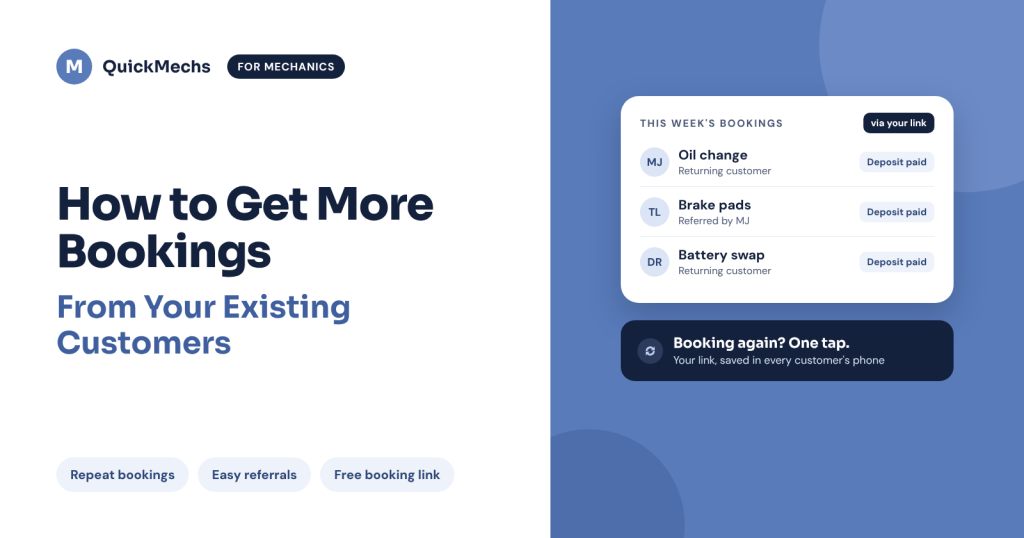
Your easiest next booking isn’t a stranger. It’s someone who already trusts your work. Online mechanic booking with a free QuickMechs link makes it effortless for those customers to come back, and to send their friends your way.
Your best customers are the ones you already have
Finding new customers takes real effort: social posts, Craigslist ads, hoping for referrals.
But the people you’ve already helped know your work. They trust you. When their car acts up again, you should be the first person they call.
The question is: how easy is it for them to book you?
Sound familiar?
A past customer messages you while you’re under a car. You mean to reply. Then another customer calls. By the time you get back to the first message, hours have passed, and they’ve booked someone else.
It’s not that they didn’t want you. You were just hard to reach.
Every missed message is a missed job, from someone who was already happy to pay you.
The fix: online mechanic booking with your own link
Your QuickMechs booking link gives every customer an Uber-style way to book you, whenever it suits them, even when you’re busy.
They tap your link, choose a time, and pay a small deposit. You get a confirmed booking without stopping work to answer your phone.
It’s not about replacing your personal touch. It’s about making sure no customer slips through the cracks.
What you get
- Peace of mind. Customers can book you any time, so you never lose a job because you were busy.
- Paid, confirmed bookings. The deposit goes to you, and customers who’ve paid show up.
- A professional image. A smooth booking experience tells customers you run a serious business.
- Easy repeat business. Past customers can book you again in seconds.
- Effortless referrals. Happy customers can pass on one simple link instead of your number.
- No cost. No subscription fees. Your link is free.
4 ways to turn existing customers into repeat bookings
1. Share your link after every job. When you finish a repair, tell the customer, “Next time, just book me here.” Text them your link so it’s saved in their phone.
2. Reply to every inquiry with your link. When someone asks about your services on Facebook, Instagram, or by text, answer their question and send your link. They get a clear next step instead of a conversation that goes nowhere.
3. Make referrals effortless. Ask happy customers to share your link with friends and family. The person they recommend you to can book you straight away.
4. Put it in your marketing. Add your link to your social media bio, your posts, and your service promotions. Make clear what services you offer and where you work.
Always follow each platform’s rules when sharing links.
New to booking links? Read Stop Managing Every Mechanic Booking Through Calls and Texts.
Get your free booking link in 3 easy steps
- Download QuickMechs and register as a mechanic. Already have a customer account? Make sure you sign up as a mechanic too.
- Generate your free booking link inside your mechanic account.
- Send it to your past customers today, then add it to your bio.
Want to see it step by step? Watch our quick video on setting up your booking link.
Start with the customers who already trust you
You don’t need to change your whole business overnight. Generate your link, text it to your last 10 customers, and let online mechanic booking do the rest.
- iPhone: Download QuickMechs on the App Store
- Android: Download QuickMechs on Google Play
- Website: quickmechs.com
Questions about setting up your link? Book a quick call with the QuickMechs team.
Your customers already trust you. Make it easy for them to come back.