

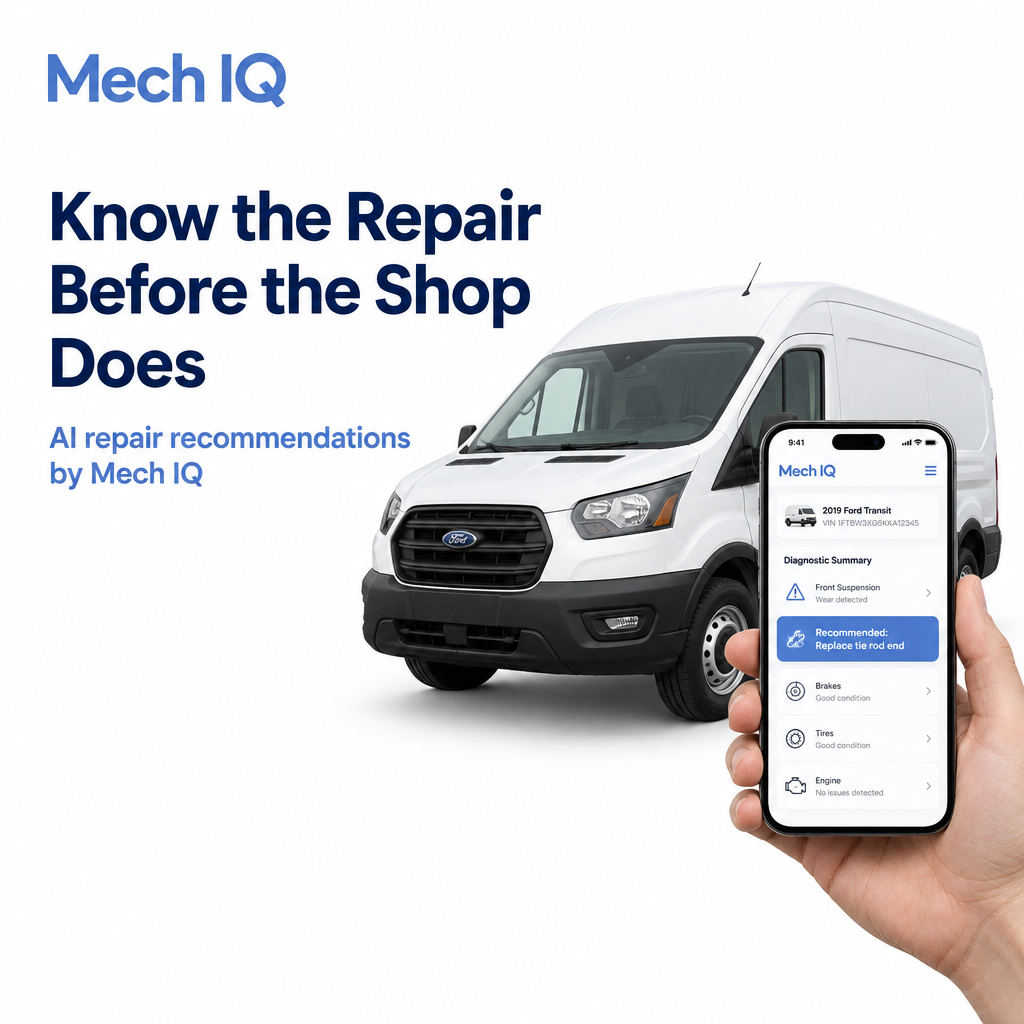
Tired of finding out what’s wrong with your fleet vehicles only after the shop calls? Mech IQ by QuickMechs tells your team the exact repair a vehicle needs before it ever leaves the lot, with AI diagnosis, VIN verification, upfront price ranges and vehicle inspections, all through one API that plugs into the systems you already use.
The shop call always comes at the worst moment
Your routes are packed. Two drivers are out sick. Then a van starts shaking at low speed.
You send it to the shop and wait. Hours later, the phone rings. “We found a few things.”
Now you’re approving work you didn’t plan for, on a vehicle you can’t see, at a price you can’t check. And the van is still off the road.
What to do first when a vehicle reports a problem
- Get the details from the driver. What are they seeing, hearing or feeling? When does it happen?
- Check if it’s safe to drive. Shaking, brake problems or smoke mean the vehicle should stop now. If anyone is in danger, call 911.
- Find out what the repair actually is. Before you book a shop slot, know what the vehicle needs.
- Know the likely cost. A price range up front means no surprises when the quote lands.
Why one problem can be more than it looks
A shaking van doesn’t always mean the same repair. Depending on the cause, it could need:
- A wheel balance
- A tie rod or ball joint replacement
- New brake rotors
- A tire replacement
- A tow, if it’s unsafe to drive
When you don’t know which one, you pay for the shop to find out. And you have no way to tell if the extra items on the quote are really needed.
AI repair recommendations with Mech IQ
Mech IQ gives your team the answer first. Everything you need in one platform:
- AI repair recommendation. Get the exact service the vehicle needs, not a vague “check the suspension.”
- AI diagnostic chat. Drivers describe the problem in plain words, and the AI asks the follow-up questions a mechanic would.
- Dashboard and photo diagnosis. Snap a photo of the dashboard or the problem area for a faster answer.
- ODP code. Every problem gets a standard code your whole team, your shops and your partners can understand.
- Price estimator. See a low, average and high price range for the repair, based on the vehicle’s VIN.
- VIN verification. Confirm you’re looking at the right vehicle with a photo.
- Vehicle inspection and health score. Check a vehicle is road-ready before it goes back out.
- Your language. Drivers can use it in the language they’re most comfortable with.
How to get started with Mech IQ
- Book a call with the QuickMechs team. Tell us about your fleet, your claims or your platform.
- See Mech IQ working on your vehicles. We’ll walk you through a live diagnosis and price estimate.
- Plug it into your systems. Mech IQ connects through one API, so your team keeps using the tools they know.
- Start getting answers first. Every reported problem comes with an exact repair and a price range before the vehicle moves.
The more you tell us about your fleet and your current repair process, the faster we can show you where Mech IQ saves time and money.
Stop finding out last
- Get the repair answer before the shop does.
- Approve repairs with a price range in hand.
- Push back on add-ons that don’t match the problem.
- Schedule repairs around your routes, not the other way round.
Be ready before the next shop call
Make Mech IQ your team’s first stop every time a vehicle reports a problem. Book a call today and see how fast your team can get the answer first.
- Book a call: Book a call with the QuickMechs team
- Website: quickmechs.com
- iPhone: Download QuickMechs on the App Store
- Android: Download QuickMechs on Google Play
Know the exact repair before the vehicle reaches the shop. Book your Mech IQ call today.
In an emergency or if anyone is in immediate danger, call 911. AI recommendations and price ranges are estimates and may vary by vehicle, location and repair provider.