

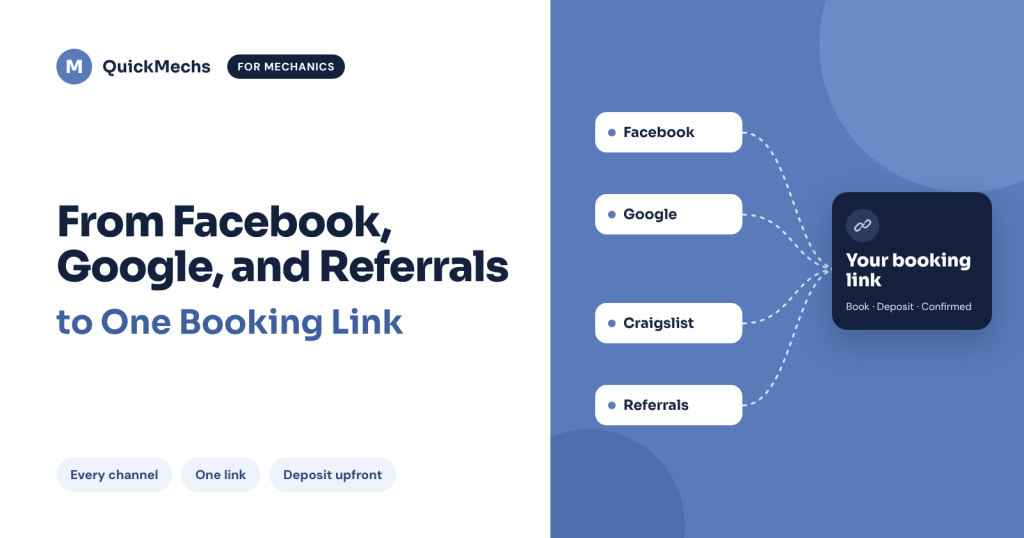
Mechanic appointment booking shouldn’t mean juggling five apps. Your customers find you on Facebook, Google, Craigslist and through word of mouth, and one free QuickMechs booking link brings every one of them to the same easy place to book you.
Customers find you everywhere. That’s great, until you have to book them.
One customer messages you on Facebook. Another finds you on Google. Someone sees your Craigslist ad. A past customer texts your number to a friend.
That’s four channels, four conversations, and four different ways of saying, “So when can you come?”
You’re scrolling between Messenger, texts and missed calls to remember who wanted what, and when. Something always slips. A message goes unanswered. A customer books someone else.
Your marketing is working. Your booking process just can’t keep up.
One link. Every channel. Total peace of mind.
Your QuickMechs booking link gives every customer the same Uber-style way to book you, no matter where they found you.
Instead of five conversations in five places, you have one link that does the work:
- Every customer gets a clear next step. Tap, book, done.
- Every booking lands in one place. No more hunting through apps.
- Customers pay a deposit upfront, and it goes to you. Committed customers mean no wasted trips.
- Fix Now, Pay Later is available. Customers who can’t pay all at once can still book you, with verification that adds protection for you.
- It’s free. No subscription fees.
Where to put your mechanic appointment booking link
Facebook and Instagram Add it to your bio and business page. Reply to every “How do I book you?” with your link.
Google and your website Add it to your business profile or website wherever a booking link is supported.
Craigslist and service listings Include it in your listings where platform rules allow. Say clearly what you fix and which areas you cover.
Referrals and texts Send it to anyone who asks about your work, and to happy customers so they can share it with friends.
Your new booking workflow in 5 steps
- A customer finds you online or through a referral.
- They ask about your services.
- You answer their questions and send your booking link.
- They book you and pay a deposit, or choose Fix Now, Pay Later.
- You confirm the details and show up to a customer who’s ready and waiting.
Same process every time. Less chasing, fewer no-shows, and a better experience for your customers.
Why one link beats five conversations
- Customers know exactly where to go. One link builds recognition across every channel.
- You look like a pro. A consistent, modern booking experience builds trust before you arrive.
- You can change your posts without changing your link. Run a new promo on Facebook or a new Craigslist ad, and your booking link stays the same.
- More repeat business. When booking you is this easy, customers come back and refer their friends.
Keep your service details accurate and answer questions promptly. Your link handles the booking, and your service earns the loyalty.
Want to turn past customers into repeat bookings? Read How to Get More Bookings From Your Existing Customers.
Get your free booking link in 3 steps
- Download QuickMechs and register as a mechanic. Already have a customer account? Make sure you sign up as a mechanic too.
- Generate your free booking link inside your mechanic account.
- Put it everywhere: your Facebook, Instagram and TikTok bio, your Google profile, your listings, and every reply.
Want to see it step by step? Watch our quick video on setting up your booking link.
- iPhone: Download QuickMechs on the App Store
- Android: Download QuickMechs on Google Play
- Website: quickmechs.com
Questions about setting up your link? Book a quick call with the QuickMechs team.
Customers find you everywhere. Now they can book you in one place.
Fix Now, Pay Later is subject to customer eligibility, verification, approval and availability.