

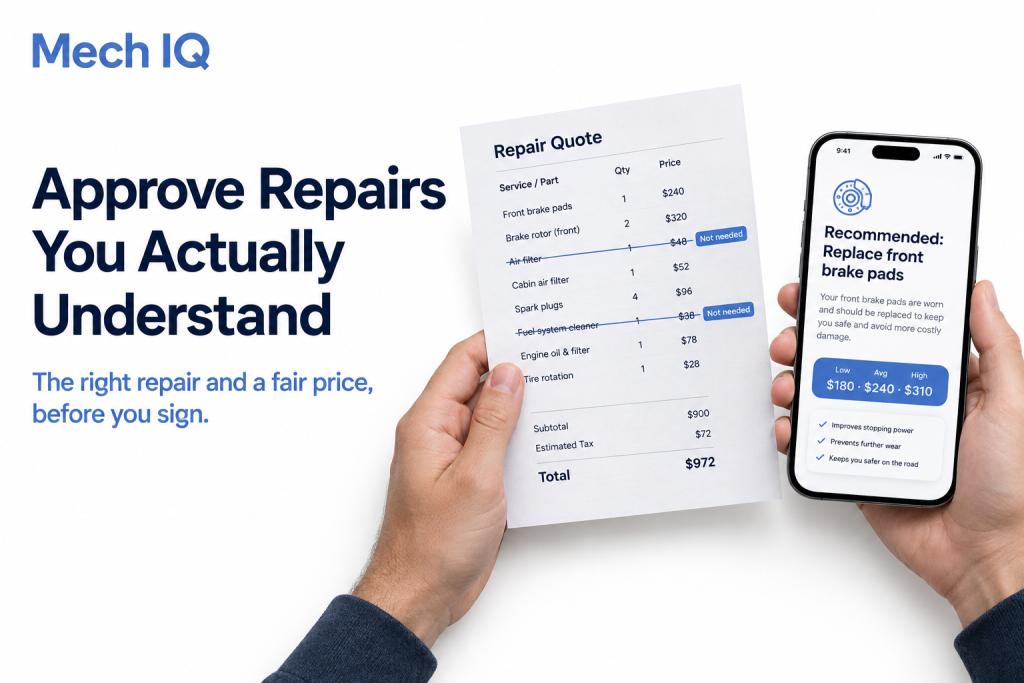
Signing off on repair quotes you can’t judge? Mech IQ by QuickMechs tells your team the exact repair a vehicle needs and what it should cost before you approve anything. You get AI repair recommendations, a standard ODP code and a low, average and high price range, all through one API that plugs into the systems you already use.
The quote lands, and you have to say yes or no
A shop sends over a quote. Six line items. Parts you’ve never heard of. A labor total that looks high, but you can’t say why.
The van is on the lift. The driver is waiting. Your boss wants it back on the road today.
So you approve it. Not because you’re sure, but because you don’t have a reason to say no.
What to do first when a repair quote arrives
- Check what the driver reported. Does the quote match the problem they described?
- Ask what each line item fixes. Every part and labor charge should tie back to the problem.
- Know the expected repair before you read the quote. If you already know what the vehicle needs, extras stand out.
- Compare the price to a fair range. A number with nothing to compare it to tells you nothing.
Why a quote can be more than it looks
A quote for “brake noise” might include:
- The brake pads the vehicle really needs
- Rotors that could have lasted another few months
- A brake fluid flush that wasn’t due yet
- A caliper “while we’re in there”
- Labor billed at a higher rate than the job needs
Some of it may be fair. Some may not. Without your own answer, you can’t tell which is which.
Approve with confidence using Mech IQ
Mech IQ gives your team its own answer before the quote arrives:
- AI repair recommendation. Know the exact service the vehicle needs, in plain words.
- AI diagnostic chat. Drivers describe the problem and the AI asks the follow-up questions a mechanic would.
- Dashboard and photo diagnosis. A snapshot of the warning light or the problem area sharpens the answer.
- ODP code. Every problem gets one standard code, so the quote can be checked against it.
- Price estimator. See the low, average and high price for the repair, based on the vehicle’s VIN.
- VIN verification. Make sure the quote is for the right vehicle.
- Your language. Drivers and managers can use it in the language they’re most comfortable with.
How to get started with Mech IQ
- Book a call with the QuickMechs team. Tell us how repair approvals work in your team today.
- Bring a recent quote. We’ll run the same vehicle and problem through Mech IQ and compare.
- Connect it to your systems. One API, so approvals happen in the tools your team already uses.
- Approve with an answer in hand. Every quote gets checked against the right repair and a fair price range.
Tips for smarter repair approvals
- Never approve a line item you can’t tie back to the reported problem.
- Ask the shop to explain anything outside the recommended repair.
- Use the price range to set a ceiling before the quote comes in.
- Track which shops’ quotes match the recommendation most often.
Be ready before the next quote lands
Make Mech IQ the check your team runs before every repair approval. Book a call today and see how much easier it is to say yes, or no, with confidence.
- Book a call: Book a call with the QuickMechs team
- Website: quickmechs.com
- iPhone: Download QuickMechs on the App Store
- Android: Download QuickMechs on Google Play
New to this series? Start with Know the Exact Repair Before the Vehicle Reaches the Shop.
Stop approving repairs you don’t understand. Book your Mech IQ call today.
If a vehicle is unsafe to drive or anyone is in immediate danger, call 911. AI recommendations and price ranges are estimates and may vary by vehicle, location and repair provider.